
To make the tax preparation process as smooth as possible, The Tax Studio offers a secure online portal where you can safely upload your tax documents at your convenience. This allows you to share information quickly, reduce paperwork, and keep everything organized in one place. Simply follow the instructions below to access the portal and upload your files—your information is protected every step of the way.
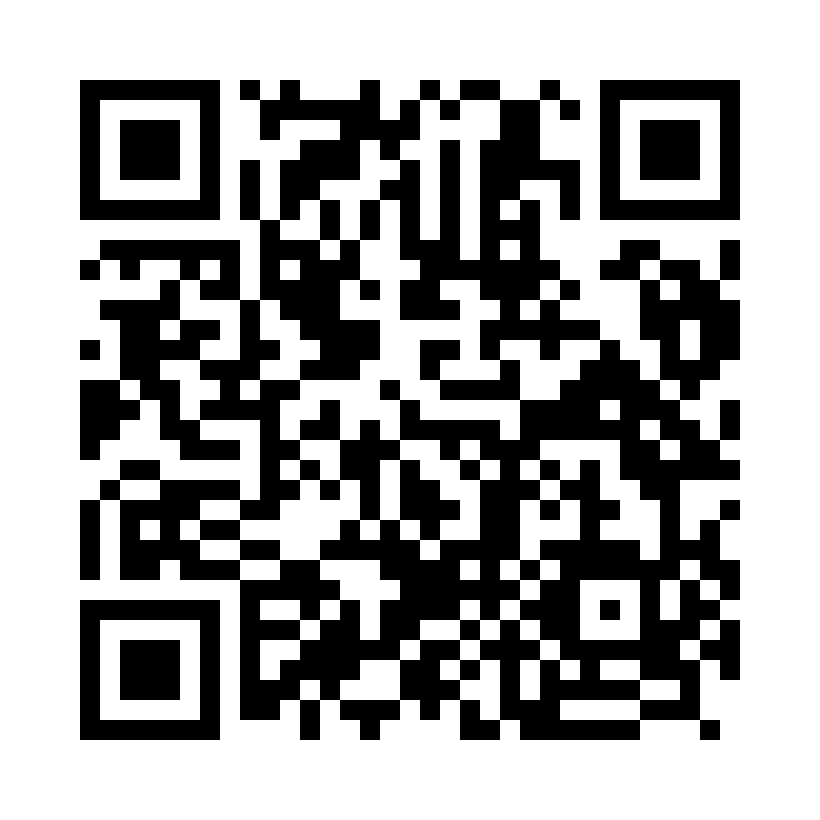
You can also scan this QR code to get to Tax Pass.
Step 1: Access the Secure Portal
Scan the QR code or click the upload link. When prompted, enter our Tax Pass ID: TLFJ7VUY
Step 2: Create Your Account
Select Create Account and register using your email and a secure password.
Step 3: Set Up Your Profile
Complete your profile details so we can match your documents to your tax file accurately.
Step 4: Upload Your Documents
Start uploading your tax documents securely. Once uploaded, you will be able to:
• Track the status of your tax return
• Check your refund status
• Chat with me directly inside the portal
All uploads and communication are handled through a secure, encrypted system.